
Link in Bio
for Designers
Your portfolio deserves more than a link list. Create a bio page that showcases your work beautifully.
 Create Your Designer Bio - Free
Includes 7 days of Pro free. No card needed.
Why designers choose Tini.bio Unlike basic link lists, Tini.bio gives you content pages for case studies, image blocks to showcase work, and a flexible grid layout.
Portfolio & Case Study Pages
Create rich content pages for each project. Add images, descriptions, and process details. Perfect for showcasing your design thinking.
Bento-style grid layout
Arrange your blocks in a beautiful grid. Resize them to 1x1, 2x1, 1x2, or 2x2. Create a layout that reflects your design sensibility.
Showcase your work visually
Upload high-quality images of your designs. Display logos, UI screenshots, illustrations, or photography right on your bio page.
Beautiful themes
Choose from carefully crafted themes that complement your work. Light, dark, and custom options to match your personal brand.
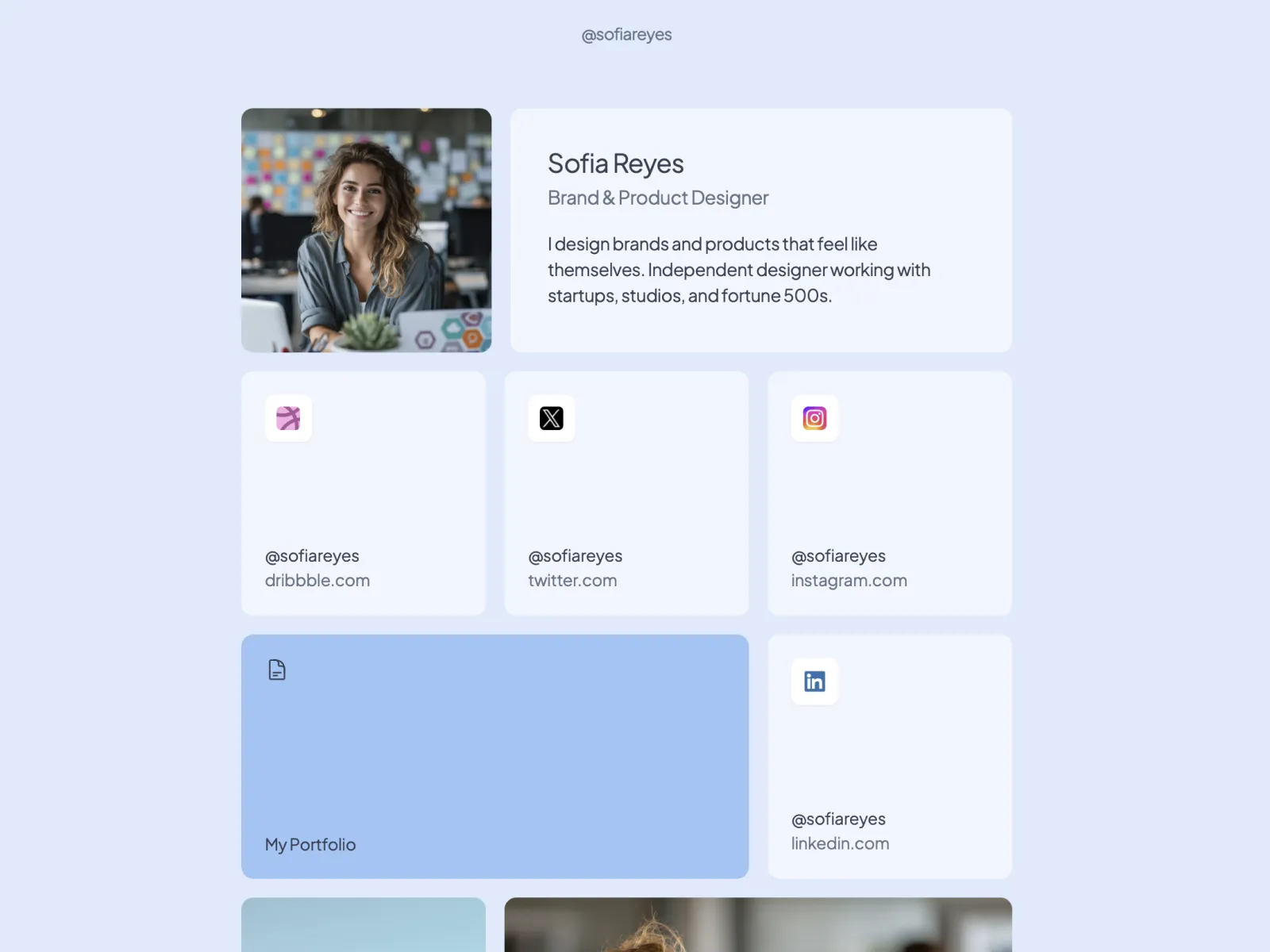
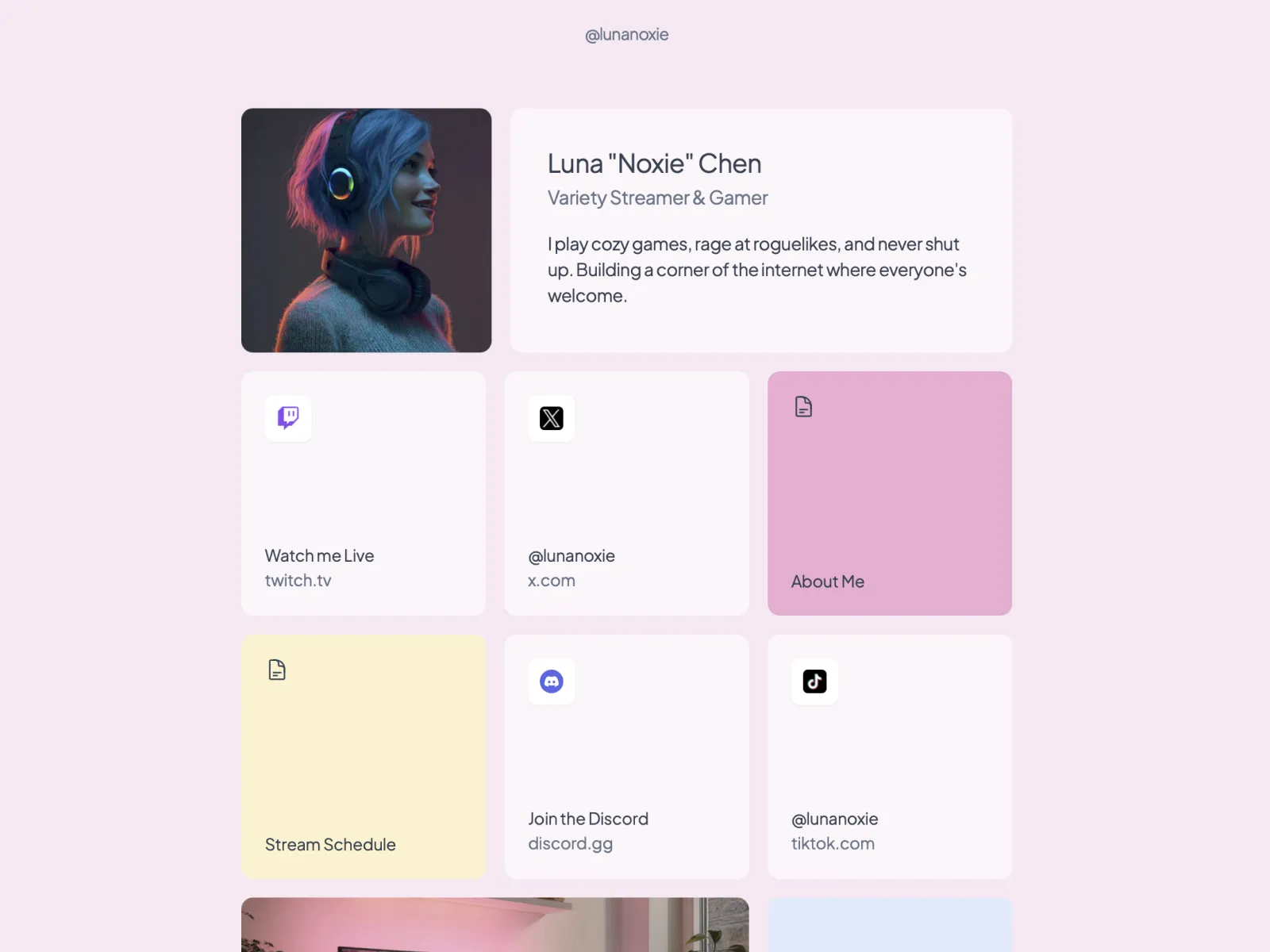
Designer bio examples
See how designers use Tini.bio to showcase their work.
Frequently Asked Questions
Tini.bio offers features designers need: a flexible grid layout (like Bento), content pages for portfolios and case studies, image blocks to showcase work, and beautiful themes. Unlike basic link lists, you can create a true portfolio experience.
Absolutely! Create dedicated content pages for case studies, use image blocks to display your best work, and organize everything in a visual grid layout. It's more powerful than Linktree or Bento for portfolio presentation.
Yes! Every signup gets 7 days of Pro free (no card needed). After that, keep your bio free with 6 blocks, 1 page, and unlimited socials. Pro users get unlimited everything plus analytics.
Linktree only offers a vertical list of links. Bento has a grid but limited content options. Tini.bio combines the best of both: a customizable grid layout PLUS content pages for rich portfolio presentations.
More use cases
Ready to create your
designer bio?
Claim your free tini.bio
Includes 7 days of Pro free. No card needed.