
Link in Bio
with Portfolio
More than just links. Create actual portfolio pages right from your bio.
 Build Your Portfolio Bio - Free
Includes 7 days of Pro free. No card needed.
Your work deserves more than a link list With Tini.bio, every project gets its own dedicated page. Show the full story, not just a link.
Rich content pages
Each portfolio piece gets a dedicated page. Add rich text, images, videos, and links. Write case studies or detailed project descriptions.
Clean, shareable URLs
Every page gets a clean URL like tini.bio/yourname/project-name. Share individual projects or your entire portfolio with one link.
Visual portfolio grid
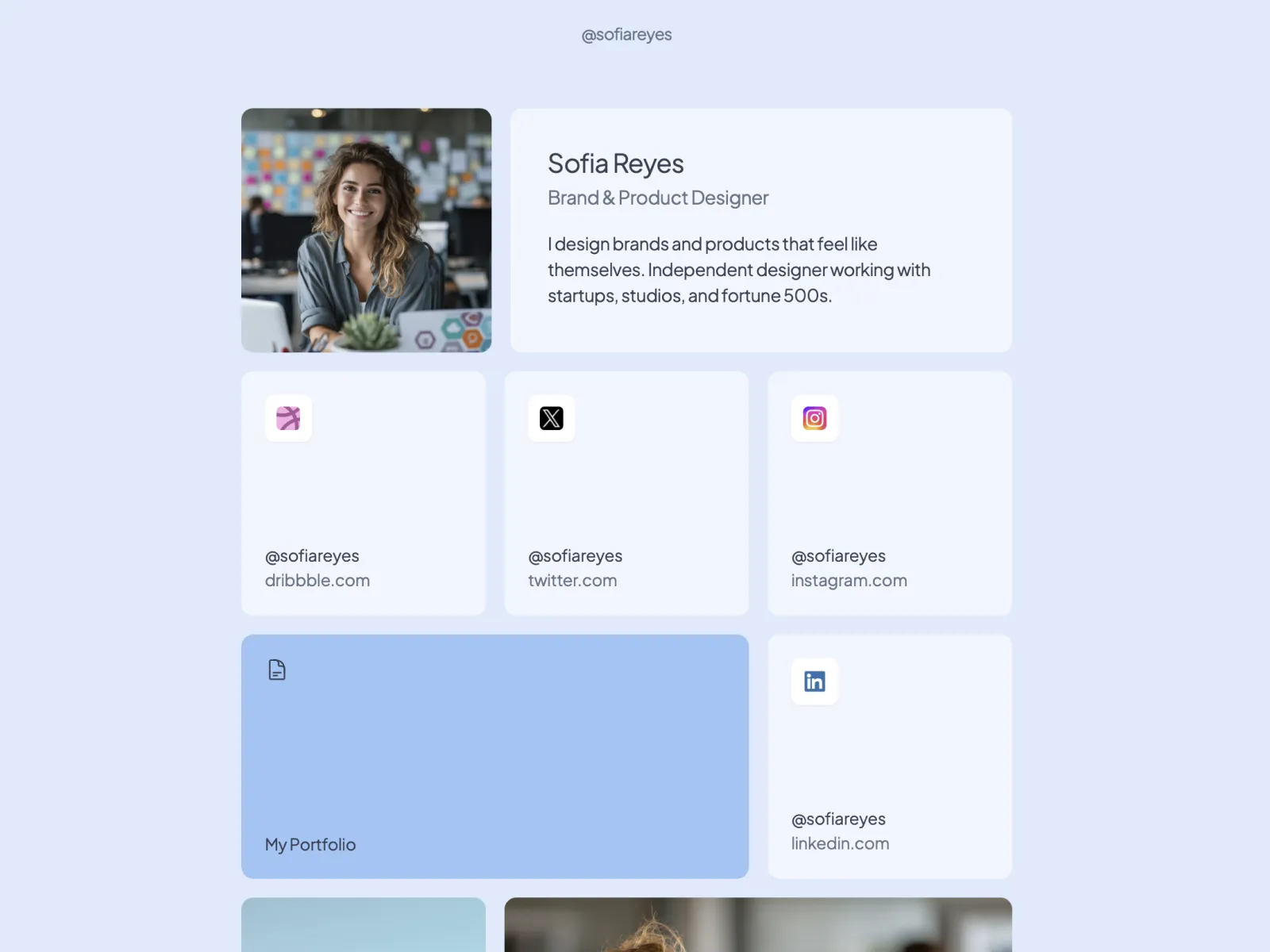
Display portfolio thumbnails right on your bio page. Image blocks let visitors see your best work at a glance before diving into details.
Flexible grid layout
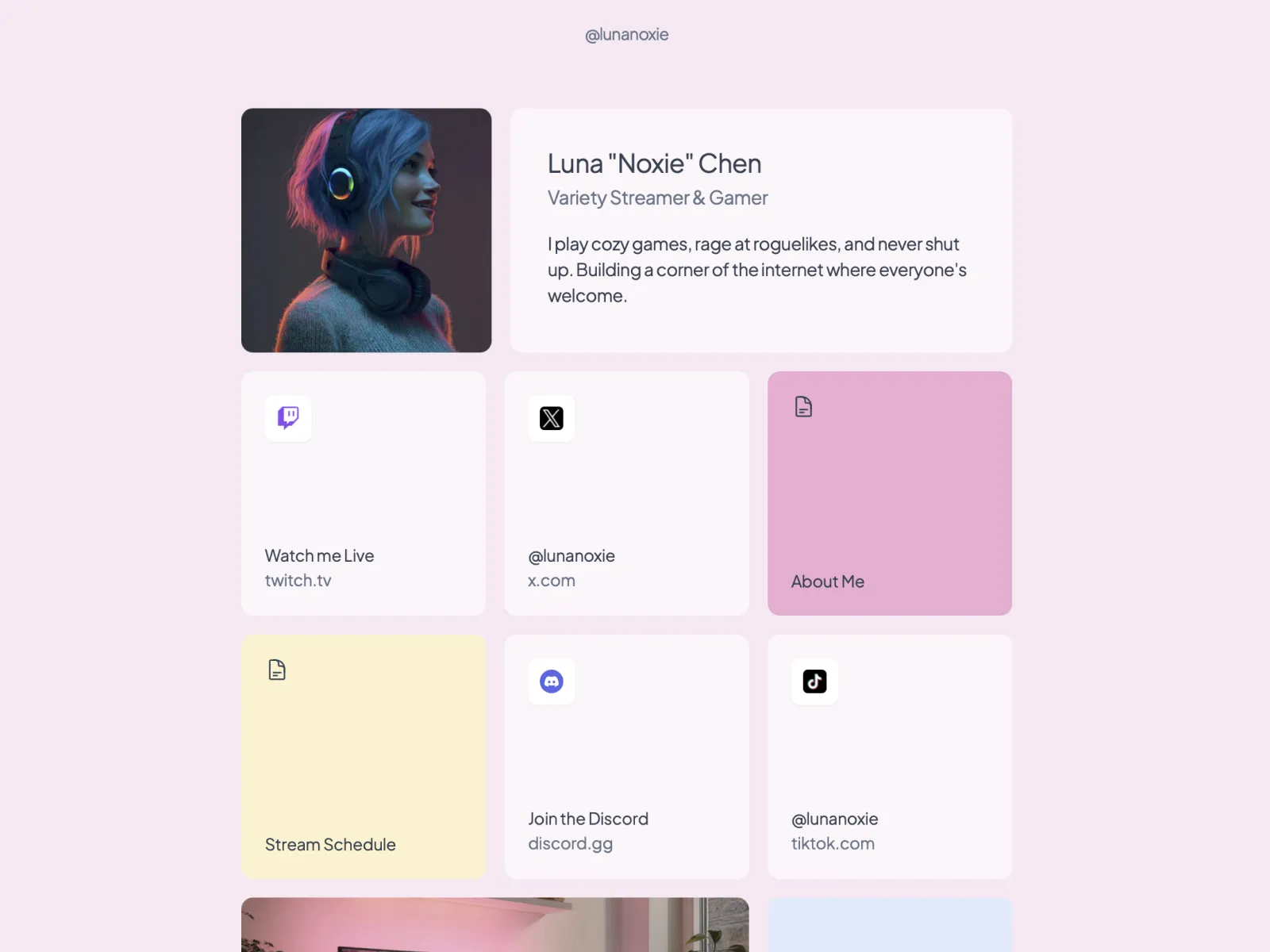
Arrange your portfolio in a beautiful bento-style grid. Resize blocks to highlight your best work. Drag and drop to organize.
Portfolio bio examples
See how creators showcase their work on Tini.bio.
Frequently Asked Questions
Yes! Unlike Linktree or basic link lists, Tini.bio lets you create content pages for portfolio projects. Add images, descriptions, and links. Each project gets its own dedicated page with a clean URL like tini.bio/yourname/project-name.
Linktree only shows a vertical list of links. Tini.bio gives you content pages for portfolios, image blocks to showcase work visually, and a flexible grid layout. It's the difference between a link list and a mini-portfolio website.
Each content page supports rich text, images, embedded videos, and links. Perfect for case studies, project descriptions, service breakdowns, menus, or any content that doesn't fit in a single link.
Free users get 1 content page. Pro users ($9/month) get unlimited content pages, perfect for showcasing multiple projects, services, or case studies.
More use cases
Ready to build your
portfolio bio?
Claim your free tini.bio
Includes 7 days of Pro free. No card needed.