
Portfolio Website vs Bio Link Page: Which Do Creators Actually Need?
Should you build a full portfolio website or use a bio link page? We break down the pros, cons, and when you need each - plus how to get both in one.
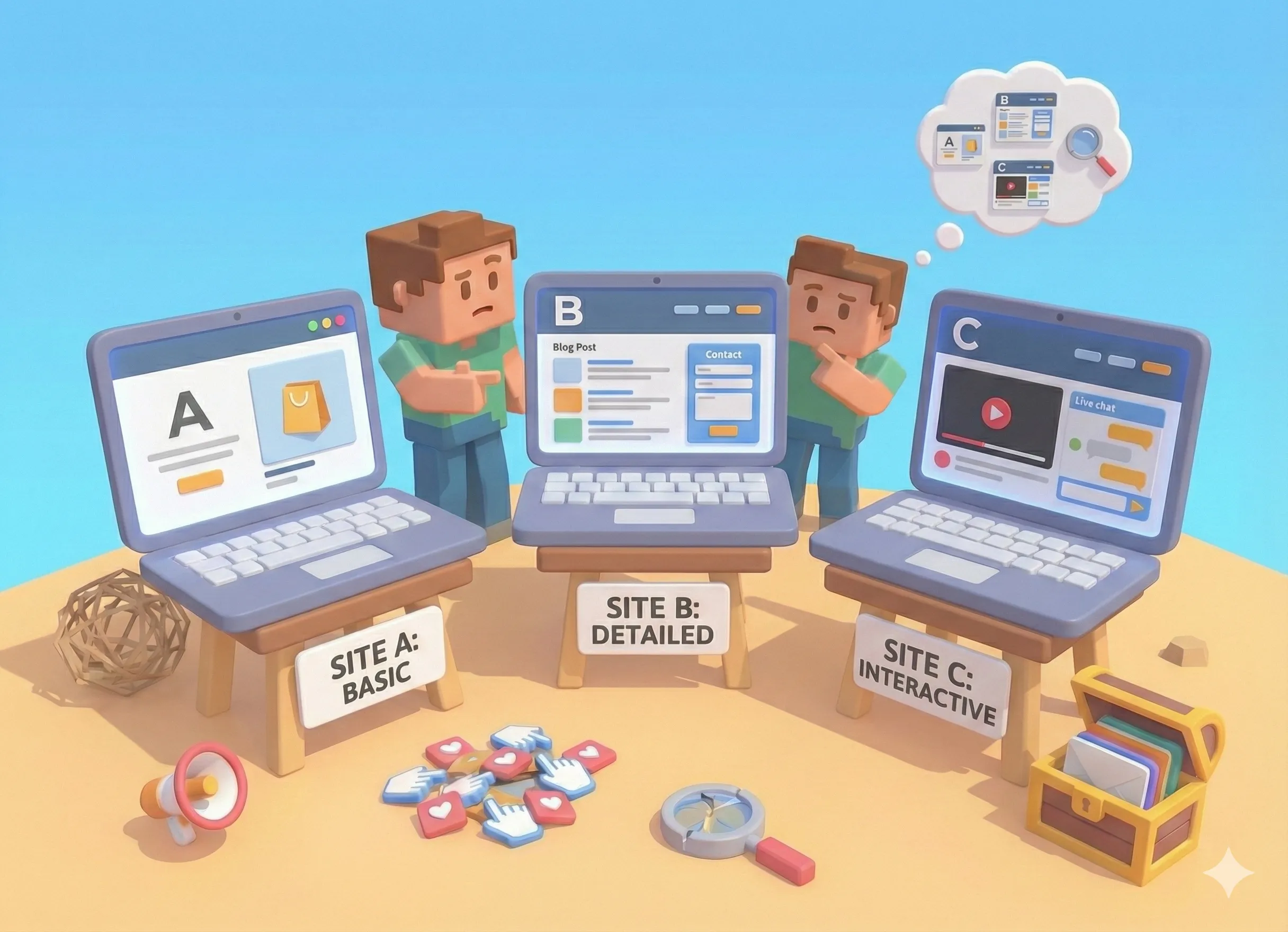
You're a creator. You need an online presence. But should you spend weeks building a full portfolio website, or just set up a quick bio link page?
It's the question every creator faces - and the wrong answer can waste your time, money, or opportunities.
Let's cut through the noise and figure out what you actually need.
The Traditional Split
Historically, creators maintained two separate things:
Portfolio Website: A full website showcasing your work. Multiple pages, case studies, about section, contact forms. Usually costs $10-50/month for hosting plus a domain. Takes days or weeks to build.
Bio Link Page: A simple landing page with links to your social profiles, latest content, and important URLs. Takes minutes to set up. Often free.
Most creators assumed they needed both. Portfolio for "serious" inquiries, bio link for social media.
But here's what's changed: the line between these is disappearing.
When You Only Need a Bio Link Page
A simple bio link page is enough when:
- You're just starting out. Don't overthink it. Get something live and start sharing.
- Your work lives elsewhere. If your portfolio is on Behance, Dribbble, or Instagram, you just need links to it.
- You need to move fast. Launching something today beats a perfect portfolio next month.
- Mobile is your main traffic source. Bio links are mobile-first. Traditional portfolios often aren't.
The trap: Spending weeks on a portfolio website when a bio link would work fine. Perfect is the enemy of done.
When You Need a Full Portfolio
A traditional portfolio website makes sense when:
- Clients expect it. Some industries (architecture, UX design, advertising) expect dedicated portfolio sites.
- You need case studies. Deep dives into your process require space that a bio link can't provide.
- SEO is critical. If you need to rank for "wedding photographer in Austin," you need pages of content.
- You're an agency or studio. Team pages, service descriptions, and complex navigation require a full site.
The trap: Building a huge portfolio site that nobody visits because all your traffic comes from Instagram anyway.
The Third Option: Portfolio + Bio Link Combined
Here's what most creators miss: you don't have to choose.
Modern bio link platforms now include portfolio features. You get:
- A clean bio link page for social media
- Content pages for portfolio pieces
- Project showcases with images and descriptions
- All in one URL
This is the "good enough" portfolio that actually gets shared.
What This Looks Like in Practice
Instead of:
- yourname.com (portfolio) + linktr.ee/yourname (bio link)
You have:
- tini.bio/yourname (both in one)
Your bio link page becomes your portfolio. Your portfolio becomes shareable on social. One URL. One update. One thing to maintain.
The Real Question: Where Does Your Traffic Come From?
Forget "portfolio vs bio link" for a second. Answer this:
Where do people discover you?
| Traffic Source | Best Option |
|---|---|
| Social media | Bio link with portfolio features |
| Google search | Full portfolio website with SEO |
| Referrals/word of mouth | Either works, pick what's easier |
| In-person networking | Bio link (easy to share, memorable URL) |
Most creators in 2026 get discovered on social. That means optimizing for the bio link click, not the Google search.
Cost Comparison
Let's talk money:
| Option | Monthly Cost | Time to Launch |
|---|---|---|
| Full portfolio (Squarespace/Wix) | $16-40 | Days to weeks |
| Portfolio + Linktree | $16-40 + $5 | Days to weeks |
| Bio link with portfolio (Tini.bio) | $0-9 | Minutes to hours |
| Custom coded portfolio | $10-50 + your time | Weeks to months |
For most creators, the math is clear. Why pay for two things when one does both?
When to Upgrade
Start with a bio link page that has portfolio features. (For a deeper look at this decision, see our comparison of link in bio vs website.) Upgrade to a full portfolio website when:
- You're consistently booking clients. You have proof the demand exists.
- Clients specifically ask for a portfolio site. They tell you what they need.
- You need advanced features. E-commerce, booking systems, complex galleries.
- SEO becomes a priority. You want to rank for industry keywords.
Don't build for hypothetical future clients. Build for where you are now.
The 10-Minute Test
Still unsure? Try this:
- List everything you'd put on a portfolio website
- Ask: "Could this be a link or a content page on my bio?"
- If yes to most items → bio link with portfolio features
- If no → consider a full portfolio
Most creators realize their "portfolio" is really just: about me, my work (links to Behance/Instagram/YouTube), contact info, maybe a few featured projects.
That's a bio link page. With content pages.
Making the Decision
Here's the framework:
Choose a bio link page with portfolio features if:
- Most traffic comes from social media
- You want something live today
- You're cost-conscious
- Your work already lives on other platforms
- You want one thing to maintain
Choose a full portfolio website if:
- Clients in your industry expect it
- SEO is a major traffic source
- You need complex features (e-commerce, booking, etc.)
- You have time and budget to build and maintain it
Choose both if:
- You're an established creator with diverse traffic sources
- You have specific SEO needs AND heavy social traffic
- Budget isn't a constraint
The Bottom Line
The portfolio vs bio link debate is outdated. Modern tools combine both.
For most creators, the answer is: start with a bio link page that has portfolio capabilities. Get something live. Share it everywhere. Upgrade later if you need to.
Your online presence should work for you, not the other way around. Don't let the perfect portfolio be the enemy of the shipped bio link.
Frequently Asked Questions
Do I need both a portfolio and a bio link page?
Not necessarily. Modern tools like Tini.bio combine both - you get a bio link page with built-in portfolio capabilities. This saves money and keeps everything in one place.
Is a bio link page professional enough for clients?
Yes, if you choose the right platform. Bio link pages with portfolio features, custom domains, and clean designs are just as professional as traditional portfolios - and often more mobile-friendly.
What's the best free portfolio option for creators?
For most creators, a bio link platform with portfolio features offers the best value. Tini.bio includes 7 days of Pro free, then a free plan with content pages, image blocks, and project showcases.
