
Why Your Instagram Bio Link Isn't Converting (And How to Fix It)
Your Instagram bio link gets clicks but no results? Here are the 7 most common reasons your bio link isn't converting - and exactly how to fix each one.
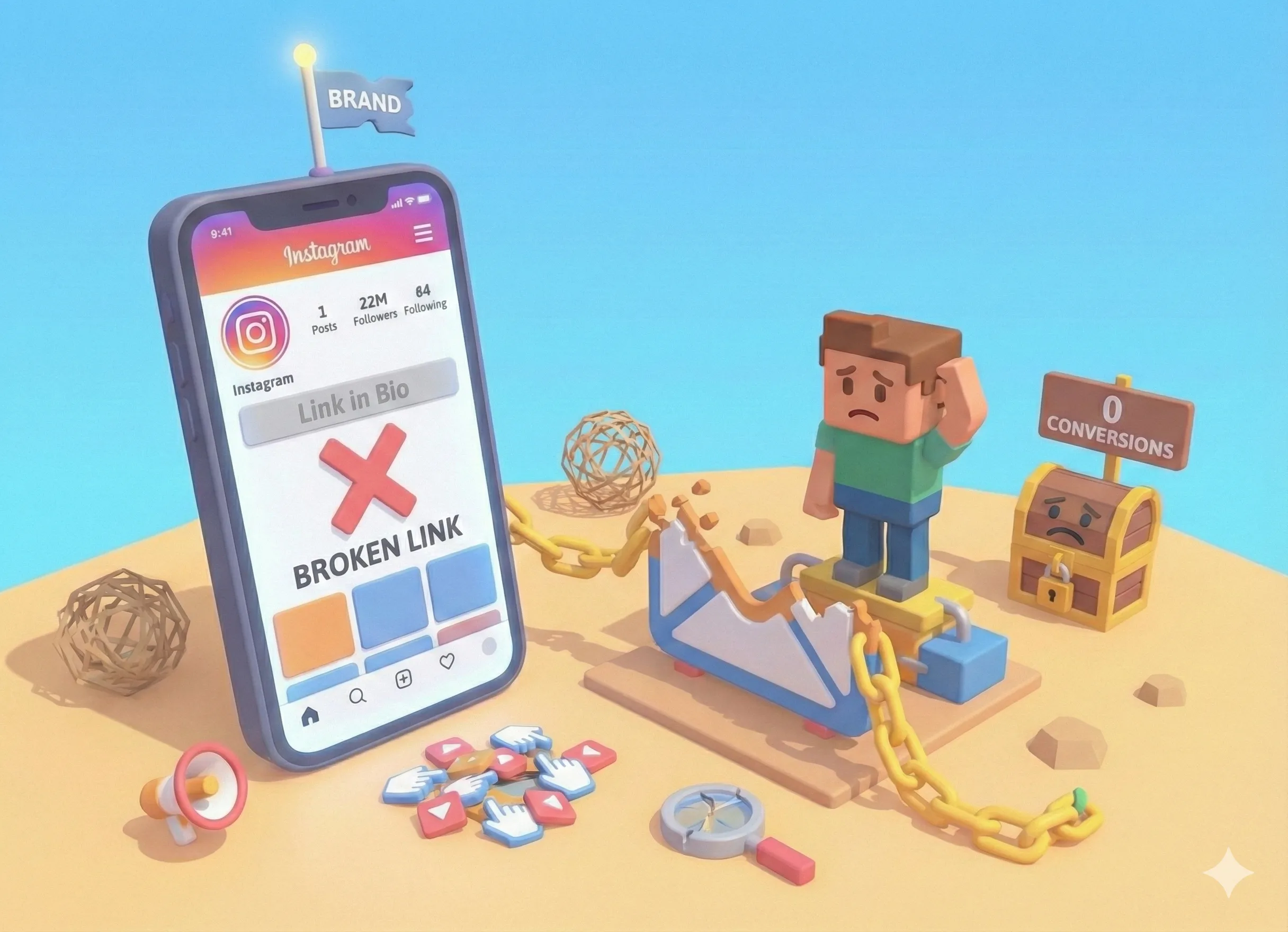
There's nothing more frustrating than watching your Instagram analytics show hundreds of profile visits while your bio link sits there doing nothing. People are interested enough to check you out, but somewhere between their curiosity and your goal, they're dropping off.
The good news: this is fixable. After analyzing thousands of bio link pages, we've identified the seven most common conversion killers - and exactly how to solve each one.
1. Your Bio Link Doesn't Match Your Content
The problem: You told followers "link in bio for the free template" but when they click, they land on a generic page with 15 links and no obvious template.
This is the #1 bio link conversion killer. When there's a disconnect between what you promised and what visitors find, they bounce immediately.
The fix:
- Put your most promoted link at the very top
- Use clear, specific link titles that match your content ("Get the Free Template")
- Consider creating dedicated landing pages for specific campaigns
- Update your bio link when you promote something new
Rule of thumb: If you say "link in bio" in your content, that thing should be impossible to miss when they arrive.
2. Too Many Links, No Clear Priority
The problem: Your bio link page has 20+ links in no particular order. YouTube, TikTok, your podcast, your course, your newsletter, your merch, three different social profiles, an old blog post...
When everything is important, nothing is. Visitors get overwhelmed and leave without clicking anything. (Not sure what actually belongs on your page? Read our guide on what to put on your link in bio.)
The fix:
- Limit yourself to 5-7 links maximum
- Put your #1 priority at the top (what do you most want visitors to do?)
- Use visual hierarchy - make your main CTA stand out
- Group related links under sections if you need more
- Remove links that don't serve your current goals
Ask yourself: if a visitor only clicks ONE link, which one should it be? That's your top link.
3. Slow Load Times
The problem: Your bio link page takes 3+ seconds to load. By then, half your visitors have already hit the back button.
Mobile users are impatient. Studies show 53% of mobile visitors abandon pages that take longer than 3 seconds to load. Your bio link traffic is almost entirely mobile.
The fix:
- Choose a bio link tool built for speed (not a bloated website builder)
- Compress images before uploading
- Avoid embedding heavy content like videos directly on the page
- Test your page speed on mobile - actually wait for it to load
Quick test: Open your bio link on your phone using cellular data (not WiFi). Does it feel instant? If not, you're losing visitors.
4. No Clear Value Proposition
The problem: Your bio link is a list of destinations, but there's no reason for visitors to care about any of them.
Link titles like "YouTube" or "Newsletter" or "Shop" tell people where they'll go, but not why they should bother.
The fix: Rewrite your link titles to emphasize value:
Instead of:
- "Newsletter"
- "YouTube"
- "Free Guide"
Try:
- "Get weekly design tips (free)"
- "Watch: How I edit my photos"
- "Download the Instagram growth checklist"
Every link should answer the question: "What's in it for me?"
5. You Never Actually Promote It
The problem: Your bio link exists, but you rarely mention it. You assume people will find it on their own.
They won't. Most Instagram users scroll through feeds without ever visiting profiles. The ones who do visit often don't think to click the link unless prompted.
The fix: Actively drive traffic to your bio link:
- In posts: "Full tutorial in my bio link"
- In Stories: Use the "Link" sticker or say "tap my bio for the guide"
- In Reels: End with a CTA pointing to your bio
- In comments: When people ask questions, direct them to relevant links in your bio
The creators with the highest bio link traffic mention it constantly. It's not annoying - it's helpful.
6. It Looks Unprofessional
The problem: Your bio link page looks like it was thrown together in 2 minutes. Generic template, no branding, maybe even a "Powered by [Tool]" badge at the bottom.
First impressions matter. If your bio link looks amateur, visitors assume what's behind those links is amateur too.
The fix:
- Add a professional profile photo (your face, not a logo)
- Write a clear, compelling bio (who you are, what you do, why they should care)
- Choose colors and fonts that match your brand
- Remove third-party branding if possible
- Use high-quality images if your page includes them
Your bio link is often the first "website" visitors see from you. Make it count.
7. No Analytics = No Improvement
The problem: You have no idea which links get clicked, where visitors come from, or what's working. You're optimizing blind.
Without data, you're guessing. And guessing leads to the same mistakes repeated endlessly.
The fix:
- Use a bio link tool with built-in analytics
- Track which links get the most clicks
- Monitor traffic patterns (when do people visit?)
- A/B test link titles and order
- Review weekly and adjust based on data
Key metrics to watch: total visits, click-through rate per link, and conversion rate on your primary goal.
The Quick Audit Checklist
Run through this checklist to diagnose your bio link:
- [ ] Does my top link match what I'm currently promoting?
- [ ] Do I have 7 or fewer links?
- [ ] Does my page load in under 2 seconds on mobile?
- [ ] Does each link title explain the value, not just the destination?
- [ ] Did I mention my bio link in my last 5 posts/stories?
- [ ] Does my page look professional and match my brand?
- [ ] Can I see analytics on what's getting clicked?
If you checked fewer than 5, you've found your problem areas.
What Good Bio Link Conversion Looks Like
So what should you be aiming for? Here are realistic benchmarks:
- Link click rate: 30-50% of visitors should click at least one link
- Email signups: 2-5% average, 10%+ with a great lead magnet
- Product clicks: 5-15% clicking through to products
- Purchase conversion: 1-3% of visitors (varies wildly by product/price)
If you're below these numbers, there's room for improvement. If you're hitting or exceeding them, focus on driving more traffic to your bio link.
Start With One Fix
Don't try to fix everything at once. Pick the one issue from this list that's most obviously hurting your conversions and fix that first.
For most creators, it's #1 (mismatch between content and bio link) or #5 (not promoting it enough). Start there, measure the impact, then move to the next issue.
Your bio link is the bridge between your content and your goals. A broken bridge doesn't just slow people down - it stops them entirely. Fix the bridge, and everything else starts flowing.
Frequently Asked Questions
What is a good conversion rate for a bio link?
A good bio link conversion rate depends on your goal. For email signups, 2-5% is average and 10%+ is excellent. For product purchases, 1-3% is typical. For link clicks, 30-50% of visitors clicking at least one link is healthy.
Why isn't my Instagram bio link getting clicks?
Common reasons include: not mentioning your bio link in content, having a confusing or cluttered bio link page, slow loading times, not giving visitors a clear reason to click, or having a bio link that doesn't match what you promised in your content.
How do I get more people to click my bio link?
Actively promote it in your content with clear CTAs like 'link in bio for the free guide.' Make sure your bio link page loads fast, has a clear purpose, and delivers on what you promised. Use compelling link titles and put your most important link at the top.
