
How to Add a Link in Bio on Instagram (2026 Guide)
Learn how to add a link to your Instagram bio in 2026. Step-by-step guide covering the new features, multiple links, and the best link in bio tools for creators.
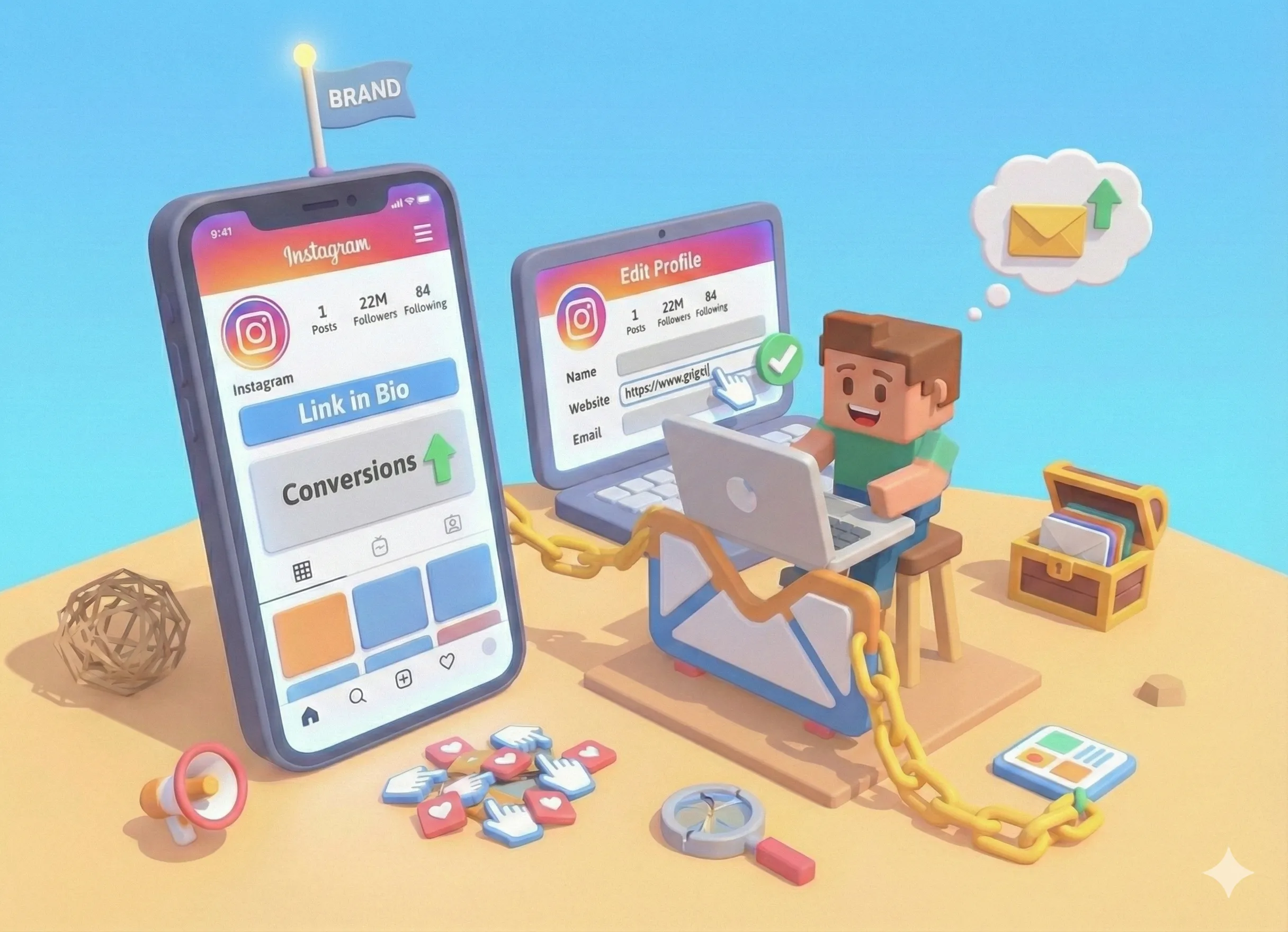
Instagram gives you one place to share a clickable link with your followers: your bio. Whether you want to drive traffic to your website, promote a new product, or share your latest content, that single link in your profile is prime real estate.
In this guide, we'll cover everything you need to know about adding a link to your Instagram bio in 2026, including Instagram's native multi-link feature and how to use bio link tools to share unlimited links from one URL.
Quick Steps: Add a Link to Instagram Bio
- Open Instagram and tap your profile picture
- Tap Edit profile
- Tap the Links or Website field
- Paste your URL
- Tap Done to save
That's it! Your link is now live and clickable in your bio.
Step-by-Step: Adding a Link to Your Instagram Bio
Let's walk through the process in detail, including tips for each step.
Step 1: Go to Your Profile
Open the Instagram app on your phone and tap your profile picture in the bottom right corner. This takes you to your profile page where you can see your bio, posts, and follower count.
Step 2: Tap Edit Profile
Below your bio text, you'll see an Edit profile button. Tap it to open your profile settings.
Step 3: Find the Links Section
Scroll down to find the link field. What you see depends on your account type:
- Personal accounts: You'll see a "Website" field where you can add one link
- Professional accounts: You'll see a "Links" section where you can add up to 5 links
Pro tip: Switch to a professional account (Creator or Business) to unlock the multi-link feature. It's free and takes 30 seconds.
Step 4: Add Your Link
Tap the link field and paste or type your URL. Make sure to include the full address (starting with https://) for it to work properly.
If you have a professional account and want to add multiple links:
- Tap + Add external link
- Enter the URL and a title for the link
- Repeat for up to 5 total links
Step 5: Save Your Changes
Tap Done (iOS) or the checkmark (Android) in the top right corner. Your link is now live and anyone who visits your profile can tap it.
Instagram's 5-Link Limit: Is It Enough?
Instagram now lets professional accounts add up to 5 links directly in their bio. This is a big improvement from the old single-link limit, but for most creators and businesses, it's still not enough.
Think about everything you might want to share:
- Your website or portfolio
- Your latest YouTube video or blog post
- Your online store or product pages
- Your other social media profiles
- A lead magnet or email signup
- Booking or contact pages
- Affiliate links or promotions
- Your podcast or music
That's already 8 links, and most creators have even more. Plus, Instagram's native links have limitations: you can't customize how they look, track clicks in detail, or organize them effectively.
The Solution: Bio Link Tools
This is why bio link tools exist. Instead of cramming multiple links into Instagram's limited space, you add one link to your bio that leads to a dedicated page with all your links. (New to bio link pages? Here's our step-by-step guide to creating one.)
When someone taps your bio link, they see a beautiful, organized page with everything you want to share. It's like having a mini-website specifically designed for your Instagram audience.
Benefits of Bio Link Tools
- Unlimited links - Share as many links as you need
- Custom branding - Match your personal style and colors
- Analytics - See which links get clicked and when
- Easy updates - Change links without editing your Instagram bio
- More content types - Add images, videos, forms, and more
How to Set Up a Bio Link Page (Free)
Setting up a bio link page takes less than 5 minutes. Here's how to do it with Tini.bio:
- Go to tini.bio and click "Get Started Free"
- Choose your username (this becomes your URL: tini.bio/yourname)
- Add your profile photo and bio text
- Add your links - click the + button and paste each URL
- Customize your theme and colors
- Copy your tini.bio link and add it to Instagram
That's it. Now when followers tap the link in your Instagram bio, they'll see all your important links in one beautiful, organized page.
Instagram Bio Link Best Practices
Having a link in your bio is just the start. Here's how to make it actually work for you:
1. Put Your Most Important Link First
Whether you're using Instagram's native links or a bio link tool, your most important link should be at the top. Most visitors won't scroll far, so front-load the good stuff.
2. Use Clear, Action-Oriented Link Titles
Instead of vague titles like "Website" or "Click Here," use specific calls-to-action:
- Bad: "My Store"
- Good: "Shop the New Collection - 20% Off"
- Bad: "YouTube"
- Good: "Watch: How I Edit My Photos"
3. Mention Your Bio Link in Content
Don't assume people will find your bio link on their own. Actively direct them there:
- In captions: "Link in bio for the free template"
- In Stories: Use the link sticker AND mention "more in bio"
- In Reels: Verbal call-to-action at the end
4. Keep Your Links Updated
Nothing frustrates followers more than clicking a link to find outdated content. Update your bio link whenever you have something new to promote.
This is where bio link tools shine - you can update your page without touching your Instagram settings.
5. Track Your Performance
Use a bio link tool with analytics to understand what's working. Track:
- Total page views (how many people visit your bio link)
- Click-through rates (which links get clicked)
- Traffic sources (where visitors come from)
Troubleshooting: Can't Add Link to Instagram Bio?
If you're having trouble adding a link, here are the most common causes and fixes:
New Account Restrictions
Instagram restricts some features for new accounts. If your account is less than a few weeks old, you may need to wait before the link feature becomes available.
Private Account
Some link features may be limited on private accounts. Consider switching to public if you want full link functionality.
Account Type
Personal accounts only get one link. Switch to a Professional account (Creator or Business) to access the multi-link feature. Go to Settings → Account → Switch to Professional Account.
Invalid URL
Make sure your link is properly formatted. It should start with https:// and not contain any spaces or special characters that could break it.
Start Sharing More With Your Followers
Your Instagram bio link is one of the most valuable tools you have as a creator or business. It's the bridge between your Instagram content and everything else you want your audience to see.
While Instagram's native 5-link feature works for simple needs, most creators quickly outgrow it. A dedicated bio link page gives you unlimited links, better organization, custom branding, and analytics to understand what's working.
Ready to level up your Instagram bio? Create your free Tini.bio page and start sharing more with your followers today.
Frequently Asked Questions
How many links can you add to Instagram bio?
Instagram allows up to 5 links in your bio for professional accounts. Personal accounts can add 1 link. To share more links, use a bio link tool like Tini.bio that lets you create a single page with unlimited links.
Why can't I add a link to my Instagram bio?
If you can't add a link, your account may be too new (Instagram requires accounts to be established before enabling links), you may have a private account, or Instagram may have temporarily restricted your account. Try switching to a professional account or waiting a few days.
Is the link in bio on Instagram free?
Yes, adding a link to your Instagram bio is completely free. Instagram doesn't charge for this feature. Bio link tools like Tini.bio also offer free plans that let you create a page with multiple links.
What is the best link in bio tool for Instagram?
The best link in bio tools for Instagram in 2026 include Tini.bio (best free option with unlimited links), Linktree (most popular), and Bento.me (best for aesthetics). Choose based on your needs: Tini.bio for a complete online presence, Linktree for simplicity, or Bento for visual appeal.
How do I make my Instagram bio link clickable?
Links in your Instagram bio are automatically clickable once saved. Make sure you include the full URL (with https://) and save your profile changes. The link will appear as tappable blue text in your bio.
