
Does Your Link in Bio Help (or Hurt) Your SEO?
Most bio link tools silently drain your SEO by sending social traffic to someone else's domain. Here's how it works, what it costs you, and what to do instead.
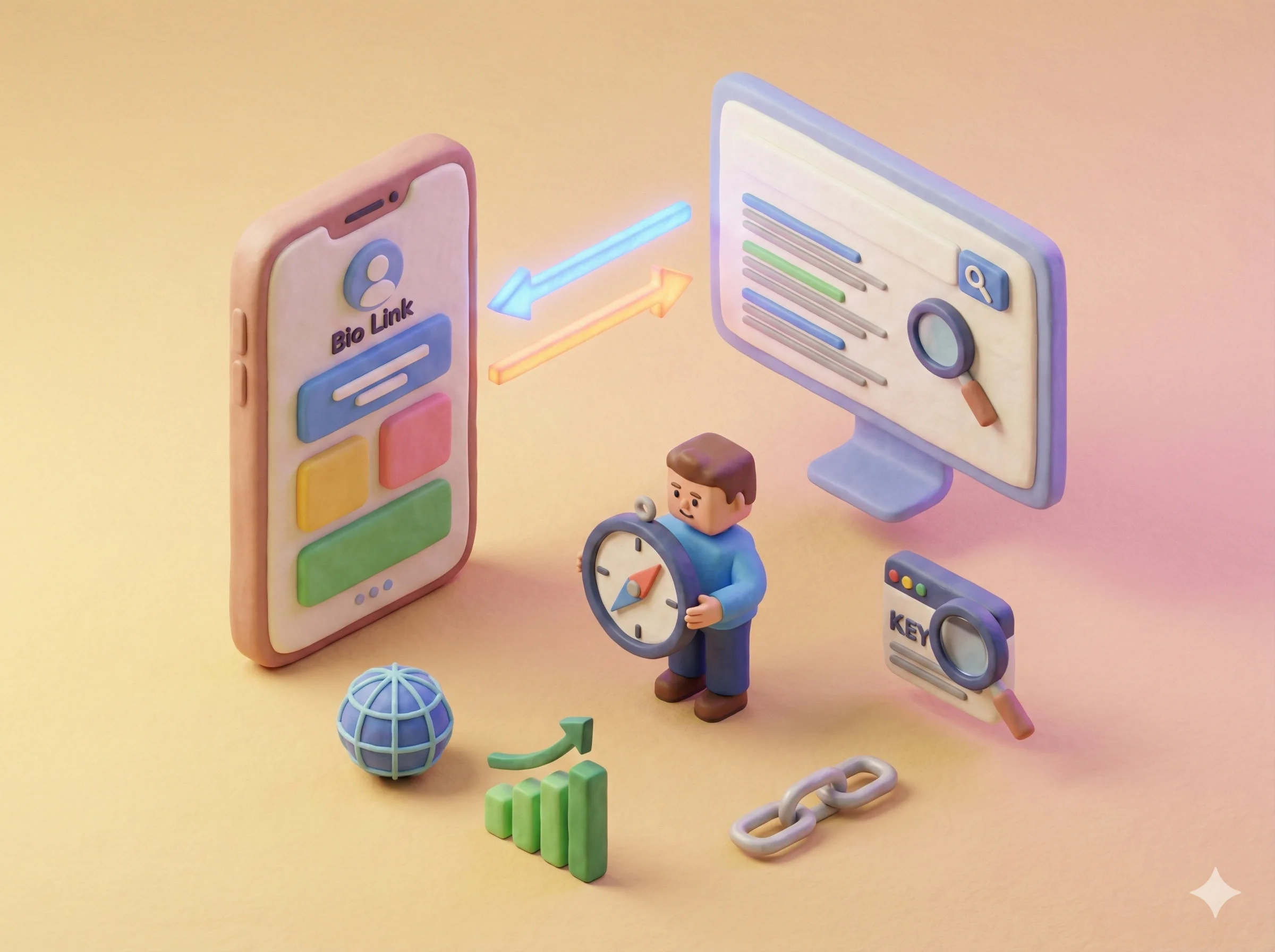
Most link in bio tools quietly work against your SEO. Every visitor your social content sends through your bio link lands on someone else's website - building their domain authority, not yours. For creators and businesses who depend on organic search, this is worth understanding before you choose a tool.
Here is exactly what is happening, why it matters, and what to do about it.
Where Does Your Social Traffic Actually Go?
When someone taps the link in your Instagram bio and you're using a tool like Linktree, here is what happens:
- The visitor arrives at linktr.ee/yourname - a page on Linktree's domain
- They click a link on that page
- They arrive at your destination
Every one of those visits is recorded as traffic to linktr.ee. Linktree accumulates the session time, the engagement signals, and the trust that search engines use to evaluate a domain's authority.
This is not a conspiracy - it is just how the web works. Linktree built an enormous, high-authority domain in part by aggregating social traffic from millions of creators. That traffic is genuinely valuable to them as an SEO asset.
The question is whether it should be valuable to you instead.
Does This Actually Affect Your Rankings?
The direct impact on rankings is nuanced, but the indirect impact is real.
Domain authority: Search engines evaluate how much traffic comes to a domain, how engaged that traffic is, and how long it has been accumulating. Traffic that goes to your bio tool's domain does not contribute to your domain's authority.
Backlinks: Social media profile links are almost universally nofollow, meaning they do not directly pass PageRank. So your Instagram link to your Linktree page is not giving Linktree a PageRank boost from your profile alone. However, if people share your bio link URL elsewhere - in blog posts, forums, other social content - those links benefit Linktree's domain.
Indexable content: A Linktree page is a very thin page with a few link buttons. Even if Google indexes it, it ranks for almost nothing because it has no real content. Your own website with actual content, blog posts, and project pages is what builds long-term search visibility.
Traffic signals: Google increasingly incorporates traffic and engagement signals into rankings. Social media represents a meaningful traffic source for many creators. Sending that traffic to your own domain rather than a third-party tool sends better signals.
The Custom Domain Solution
The most effective fix is also the simplest: use a bio link tool that supports a custom domain, and connect it to one you own.
Instead of visitors arriving at linktr.ee/yourname or anyothertool.com/yourname, they arrive at yourname.com or links.yourname.com. The traffic, the engagement, the session - all of it builds your domain's history rather than someone else's.
Most bio link tools support custom domains on their paid plans. Before choosing a tool, confirm:
- Does it support custom domains?
- Is it included in the plan you're evaluating, or an add-on?
- Can you configure it without technical help?
Tini.bio supports custom domains on the Pro plan. Your bio page becomes yourdomain.com - and the traffic you generate from social media starts building your own web presence rather than contributing to another platform's.
Beyond the Domain: Make Your Bio Page Worth Indexing
A custom domain helps, but only if your bio page has actual content worth indexing.
A page with five link buttons and a headshot ranks for nothing. A page with published blog posts, project case studies, and a descriptive bio - that is a page search engines can work with.
Creators who publish content directly on their bio page have a genuine SEO advantage: their social traffic lands on a page with substance, and that page can organically attract search traffic of its own.
This is one of the reasons Tini.bio was built to support blog posts and project pages alongside links. A bio page that includes your writing, your portfolio, and your projects is not just better for SEO - it is also more persuasive to visitors, because they see your actual work rather than a list of buttons pointing elsewhere.
What Most Creators Should Do
If SEO is not currently a priority for you: Use whatever bio link tool is most convenient. The SEO impact is real but it is unlikely to be the biggest thing holding your search visibility back.
If SEO matters to your business: Connect your bio link page to a custom domain. Publish content on it. Use a tool with proper SEO settings (custom meta titles, descriptions, and OG images) so the page can represent your brand accurately in search results. (Still deciding between a bio link page and a full site? See link in bio vs website.)
If you're building for the long term: Treat your bio link page as a front door to your online presence, not a temporary redirect. The traffic you generate now can compound into domain authority and search visibility over months and years - but only if it lands somewhere you own.
The choice of bio link tool seems small. Over time, it shapes where your online presence actually lives.
Frequently Asked Questions
Does using Linktree hurt my SEO?
Using Linktree means your social media traffic lands on linktr.ee, not your own website. This sends trust signals and potential backlink authority to Linktree's domain rather than yours. For most creators this is a meaningful SEO disadvantage, especially if your bio link is one of your highest-traffic entry points.
Does a link in bio count as a backlink?
Social media profile links are generally nofollow, which means they don't directly pass PageRank (link equity) to your website. However, the traffic they generate and the brand signals they create can indirectly benefit your SEO. The bigger issue is where that traffic lands - your domain or a third-party bio link tool's domain.
How can I make my link in bio better for SEO?
Use a bio link tool that supports custom domains so your page lives at yourdomain.com. Enable SEO settings to write a custom meta title and description. Publish actual content (blog posts, project pages) on your bio page so it has indexable substance. Tools like Tini.bio support all of these on their Pro plan.
Should I link directly to my website instead of a bio link page?
If your website has a good mobile experience and everything visitors might want to find, linking directly can be better for SEO. But for creators with multiple destinations (store, newsletter, portfolio, video channel), a bio link page is more practical - just make sure it's hosted on your own domain if SEO matters to you.
