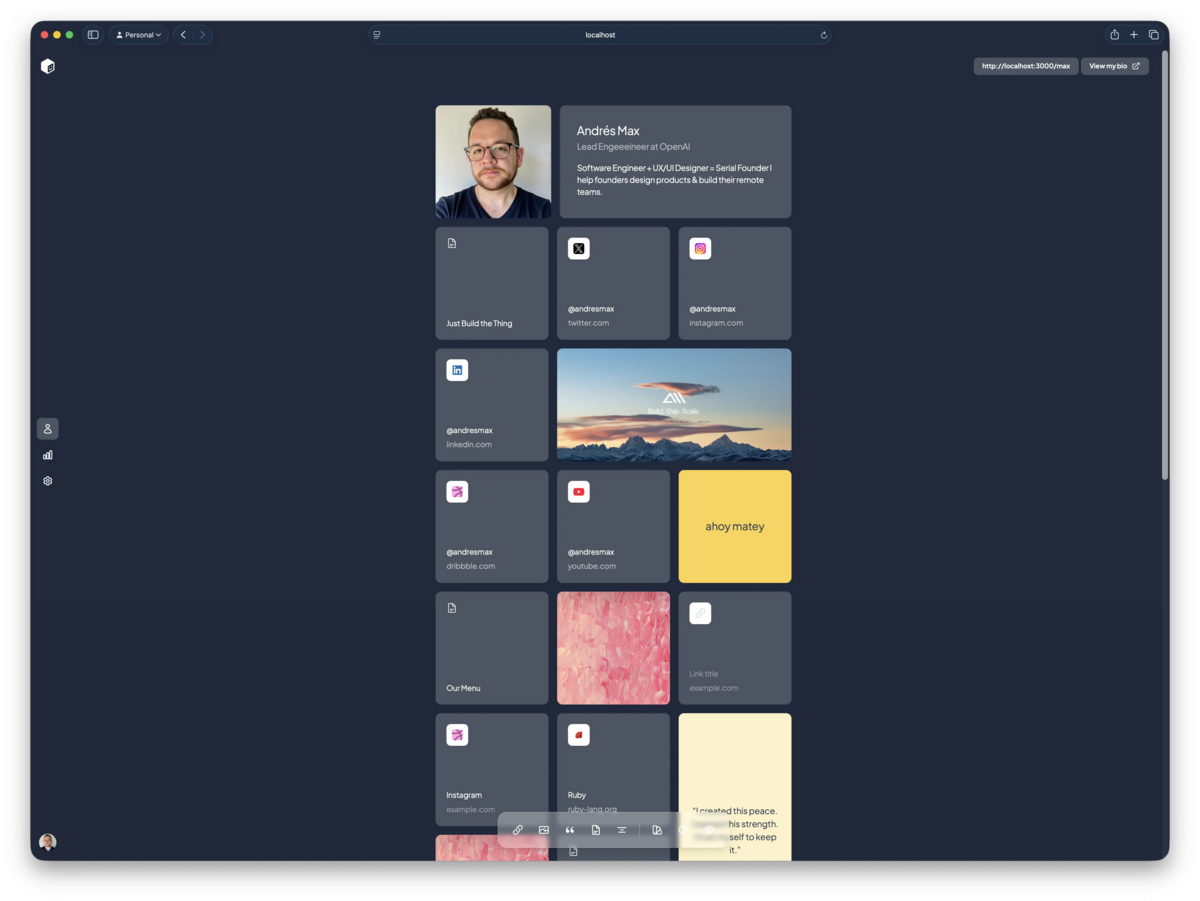
Locations, Colors, Custom Icons & More
Based on your amazing feedback, we're continuing to make tini.bio the most beautiful and expressive way to share who you are online. Today we're excited to roll out several updates that give you even more creative control over your bio page.
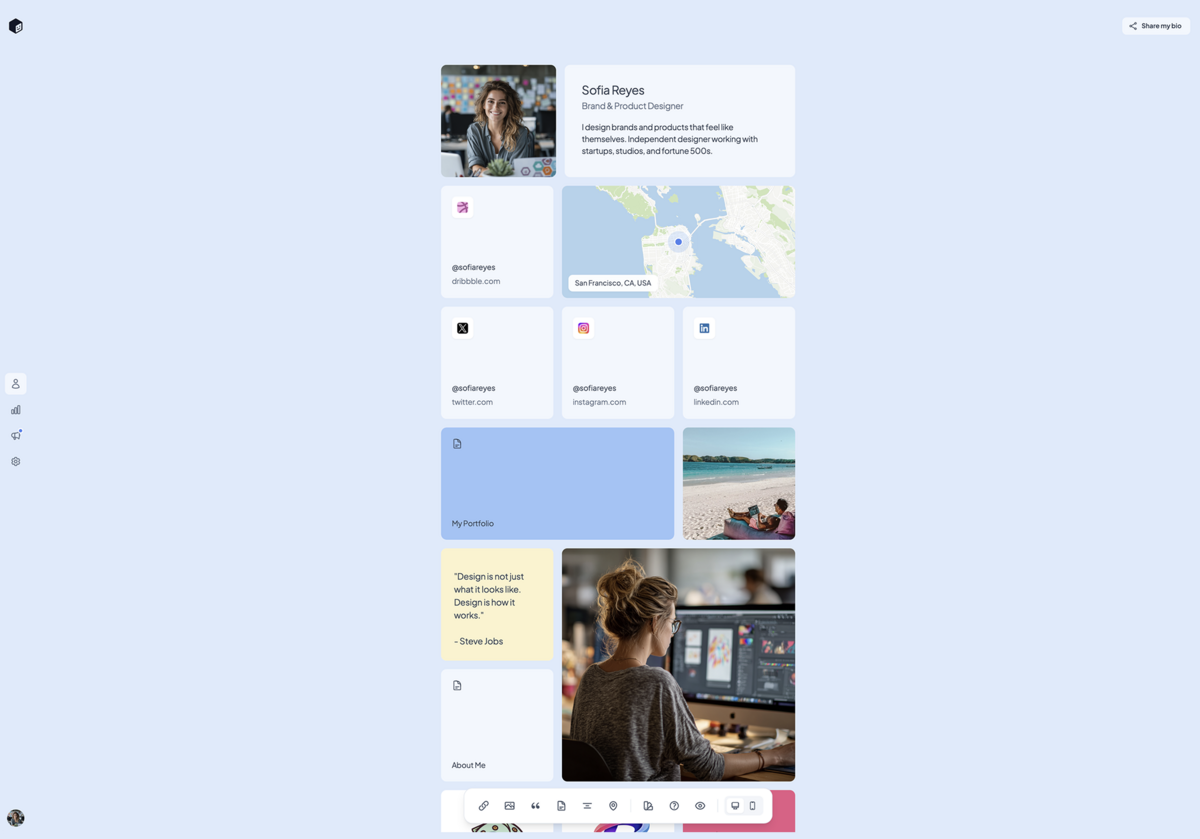
Location Blocks
Show your visitors where you're based with beautiful, interactive map blocks. See it live
- Clean map design — Minimal style with no street names or clutter, just the essentials
- Animated marker — Pulsing blue dot marks your location
- Easy search — Find any location with Google Places autocomplete
- Pan & zoom — Fine-tune your map view with intuitive controls
- Interactive for visitors — Your audience can explore the map on your public bio
Block Colors
Customize your bio with colorful blocks. See it live
- Text blocks — Choose from a palette of background colors
- Link blocks — Match your links to your personal brand
- Page blocks — Color-coded project pages
Custom Link Icons
Ditch the auto-fetched favicons and upload your own icons for a fully branded look. Perfect for custom CTAs or when the default favicon doesn't do your link justice.
Guide Page
New to tini.bio or want to get more out of your page? Check out our new guide: a quick walkthrough of everything you can do with your bio.
These updates are live now for all users. Location blocks and custom icons are available on the Pro plan, upgrade today for everything tini.bio has to offer!
As always, we'd love to hear what you think. Drop us a note or share your colorful new bio with us on twitter.
Location Blocks
Show your visitors where you're based with beautiful, interactive map blocks. See it live
- Clean map design — Minimal style with no street names or clutter, just the essentials
- Animated marker — Pulsing blue dot marks your location
- Easy search — Find any location with Google Places autocomplete
- Pan & zoom — Fine-tune your map view with intuitive controls
- Interactive for visitors — Your audience can explore the map on your public bio
Block Colors
Customize your bio with colorful blocks. See it live
- Text blocks — Choose from a palette of background colors
- Link blocks — Match your links to your personal brand
- Page blocks — Color-coded project pages
Custom Link Icons
Ditch the auto-fetched favicons and upload your own icons for a fully branded look. Perfect for custom CTAs or when the default favicon doesn't do your link justice.
Guide Page
New to tini.bio or want to get more out of your page? Check out our new guide: a quick walkthrough of everything you can do with your bio.
These updates are live now for all users. Location blocks and custom icons are available on the Pro plan, upgrade today for everything tini.bio has to offer!
As always, we'd love to hear what you think. Drop us a note or share your colorful new bio with us on twitter.