
How to Build a Personal Brand Website in Under 30 Minutes
Learn how to create a professional personal brand website without coding. Step-by-step guide for creators, freelancers, and professionals.
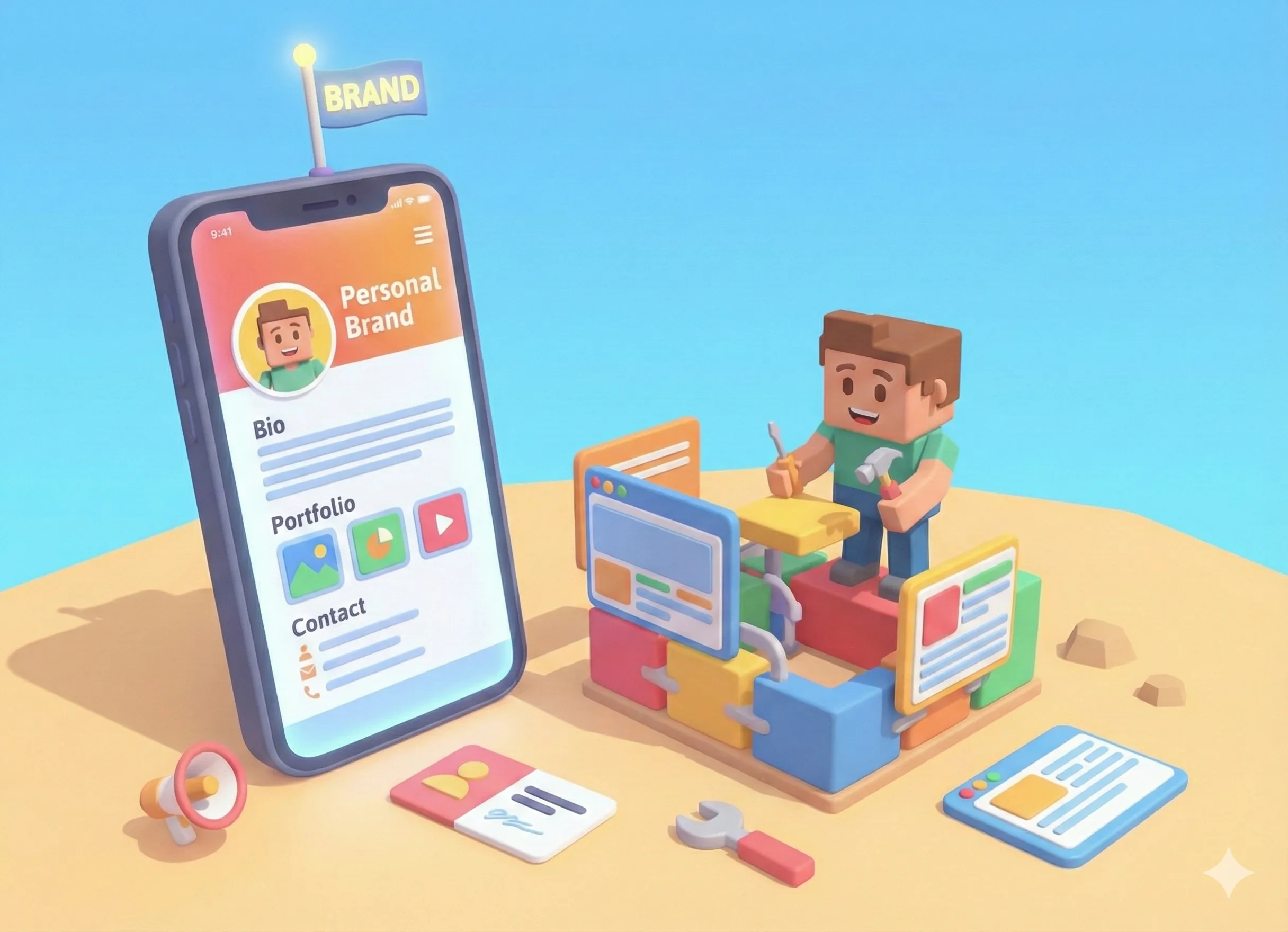
Why You Need a Personal Brand Website
In 2026, your online presence is your first impression. Whether you're a freelancer pitching clients, a creator growing your audience, or a professional building your career - people will Google you. What they find matters.
A personal brand website gives you control over that narrative. It's your digital home base - a single link that showcases everything you want people to know about you.
The good news? You don't need to spend thousands on a designer or learn to code. Modern tools make it possible to build a professional personal website in under 30 minutes.
What Makes a Great Personal Brand Website?
Before we dive into the how-to, let's understand what separates a great personal brand website from a forgettable one:
- Clear identity - Visitors should instantly understand who you are and what you do
- Professional appearance - Clean design that reflects your personal brand
- Easy navigation - All important information accessible without hunting
- Social proof - Links to your work, social profiles, and accomplishments
- Call to action - A clear next step for visitors (contact, follow, hire)
- Mobile-friendly - Most people will view it on their phones
Step-by-Step: Build Your Personal Website in 30 Minutes
Step 1: Define Your Personal Brand (5 minutes)
Before you touch any tools, spend 5 minutes answering these questions:
- Who are you? Your name, title, and one-sentence description
- What do you do? Your primary skill, service, or focus area
- Who do you help? Your target audience or ideal client
- What makes you different? Your unique angle or approach
Write down a short bio (2-3 sentences) that captures this. You'll use it on your website.
Example: "I'm Sarah Chen, a brand designer who helps startups look like million-dollar companies. I turn complex ideas into visual stories that convert."
Step 2: Choose Your Platform (2 minutes)
For a personal brand website that you can build in 30 minutes, you need a no-code platform. Here's what to look for:
- Free to start (test before you commit)
- No coding required
- Mobile-optimized by default
- Professional templates
- Ability to add links, images, and content
Tools like Tini.bio, Carrd, and About.me are designed for exactly this purpose. They let you create a polished personal website without touching any code.
Step 3: Set Up Your Profile (5 minutes)
Start with the basics:
- Profile photo - Use a clear, professional headshot. Your face builds trust.
- Name - Your full name or the name you want to be known by
- Title/tagline - What you do in 3-5 words (e.g., "Brand Designer for Startups")
- Bio - The 2-3 sentence description you wrote in Step 1
Choose a username that's easy to remember and share. Ideally, it's your name or a variation of it.
Step 4: Add Your Content (10 minutes)
This is where your website comes to life. Add the content that matters most:
Essential Links
- Portfolio or work samples
- Resume or LinkedIn profile
- Contact form or email
- Booking/calendar link (if applicable)
Social Profiles
- LinkedIn (essential for professionals)
- Twitter/X (for thought leadership)
- Instagram (for visual work)
- GitHub (for developers)
- Dribbble/Behance (for designers)
Bonus Content
- Featured project or case study
- Recent blog post or article
- Testimonial or social proof
- Current availability or services offered
Step 5: Customize Your Design (5 minutes)
Make it look like you. Most no-code platforms offer these customization options:
- Theme/color scheme - Choose colors that match your personal brand. When in doubt, keep it simple.
- Layout - Arrange your content in a logical order. Most important stuff goes first.
- Typography - Stick to clean, readable fonts. Avoid anything too decorative.
Pro tip: Look at personal websites you admire for inspiration. What makes them feel professional? Usually it's simplicity and consistency.
Step 6: Publish and Share (3 minutes)
You're done! Now get your website in front of people:
- Social media bios - Add your link to Instagram, Twitter, TikTok, LinkedIn
- Email signature - Include it in every email you send
- Business cards - One link instead of cramming everything
- Resume header - Make it easy for recruiters to learn more
The beauty of a personal brand website is that it's one link that works everywhere. Share it once, update it anytime.
Common Mistakes to Avoid
When building your personal brand website, watch out for these pitfalls:
- Too much information - Your website is a highlight reel, not your autobiography. Include only what matters most.
- Outdated content - A website with old information is worse than no website. Keep it current.
- No clear purpose - What do you want visitors to do? Make sure there's a clear next step.
- Poor mobile experience - Most people will view your site on their phone. Test it.
- Generic branding - If your site looks like everyone else's, you won't stand out. Add personality.
What's Next?
Your personal brand website is live - congratulations! But this is just the beginning. Here's how to make it work harder for you:
- Update regularly - Add new projects, update your bio as you grow
- Track performance - Use analytics to see what content gets attention
- Expand over time - Add content pages for services, portfolio pieces, or a blog
- Share consistently - The more you share your link, the more value you get
Conclusion
Building a personal brand website doesn't require technical skills, a big budget, or weeks of work. With the right tools, you can have a professional online presence in 30 minutes or less.
The key is to start simple. Get your basic information online today, then improve it over time. A simple website that exists is infinitely better than a perfect website that doesn't.
Your personal brand is too important to leave to chance. Take control of your online presence and show the world who you are.
